Skip to content
USMLE FIGHTER
Menu

Pricing

Choose your plan.

Pick your USMLE Step, then choose 6 or 12 months of access.

Qbank 6 months 12 months
Step 1 75$ 100$
Step 2 CK 75$ 100$
Step 3 75$ 100$
All three Steps 100$ 150$

Prices in USD. Choose a price to open checkout with that plan selected.

Request a full refund within 3 days

What’s included.

Each paid plan unlocks the question bank and study tools for your selected Step. All three Steps covers Step 1, Step 2 CK, and Step 3.

See how the Qbank works

Question bank & exam practice

Step-specific Qbanks
Practice exam-style questions for Step 1, Step 2 CK, and Step 3 according to your plan.
Custom Question Blocks
Build your own blocks by subject, system, topic, or question status. Enter question IDs to build a specific set.
Tutor Mode
Check your answer and read the explanation as you work through each question.
Exam Mode
Work through a block before seeing the answers and explanations.
Timed Mode
Use the countdown to practice pacing under time pressure.
Answer Explanations
Review the reasoning behind answers and revisit the concepts you missed.
Qbank Search
Find questions by keyword when you want to review a specific concept.
Previous Tests
Resume suspended quizzes, revisit completed blocks, and open score reports.
Question Marking
Flag questions for review, cross out answer choices, and highlight important text.
Lab Values
Open the reference panel while you work through a question.
Built-in Calculator
Run calculations without leaving your quiz.
Qbank Updates
Use the latest questions and explanations available for your Step.
Assessments & performance

Timed Self-Assessments
Take available practice assessments, including NBME-style and UWSA-style practice, for your Step.
Assessment Reports
Review your results and score breakdown after a self-assessment.
Score Predictor
See a personalized score estimate and range once you complete enough eligible practice assessments.
Score Calculator
Use the available practice exam conversions to estimate a three-digit score.
Overall Performance
Review question counts and accuracy, with breakdowns by subject, system, and topic.
Performance Graphs
See how your practice results change over time.
Peer Ranking
Compare your performance with other learners, including by question category.
Leaderboard
See how you rank by study activity and track your streak.

Flashcards, notes & study planning

Smart Flashcards
Create and edit your own cards in My Decks, or turn selected question text into a new or existing card.
Spaced Repetition
Review cards when they are due and rate how well you remembered them to set the next review.
Ready Decks
Start reviewing with prebuilt flashcard decks organized by subject.
Personal Notes
Save key passages as quick notes and revisit them from the dashboard.
AI Notebook
Write and organize your own notes. Save selected text, tables, or images from questions and use the AI tools below to review them.
Medical Library
Read medical reference articles and highlight key passages for later review.
NBME Library
Browse the available study material by page and revisit your saved highlights.
Study Planner
Build a study calendar around your exam date and schedule. Add tasks for quizzes, flashcards, and review, and track what you complete.

Step 3 cases & account tools

CCS is available with Step 3 and All three Steps.

CCS Practice Cases
Review clinical case scenarios and their management, organized by diagnosis.
CCS Interactive Cases
Manage simulated patients, enter orders, advance simulated time, and review case feedback.
Support Tickets
Open and track tickets in your dashboard or contact support through the Contact page.
Study Data Resets
Reset test data, flashcards, or notebook data within your account’s reset limits.
Account & Study Settings
Manage your account and personalize your quiz and study preferences.

AI study tools

Available AI actions depend on the activity and your course. Actions that use AI credits draw from your available balance.

Question review & notebook

AI Tutor
Get a step-by-step breakdown of a question and the reasoning behind the answer.
USMLE Fighter AI Chat
Ask follow-up questions about the question and its explanation during review, where chat is enabled for your course.
AI Question & Explanation Summaries
Turn a question or an answer explanation into a shorter review.
AI Notebook Summaries
Summarize your notebook entries and regenerate summaries after editing them.
AI Image Explanations
Open a question image and ask AI to explain what it shows.
AI Translation
Translate a question, explanation, or notebook entry into a supported language and save the translation.
AI Text to Speech
Generate playable audio for a question, answer explanation, or notebook entry.
AI Reference Links
Get suggested articles for further reading on questions, explanations, or notebook topics.

Practice, study plans & flashcards

AI Flashcards
Generate individual cards from highlighted question text or notebook entries and save them to a deck.
AI Decks
Generate full flashcard decks for weak subjects identified from your quiz performance.
AI Quiz Generator
Describe the quiz you want in plain English. Fighter selects questions from the Qbank that fit your request.
AI Test Analysis
Analyze your past test performance to identify weak subjects and review priorities.
AI Custom Quizzes
Launch targeted practice blocks recommended by AI Test Analysis for your weak areas.
AI Study Plan
Get a study plan based on your test analysis and generate a new plan as you make progress.
AI Credits
See your daily and paid balances and usage history. Buy additional credits when needed.

Student results.

What students shared after using Fighter.

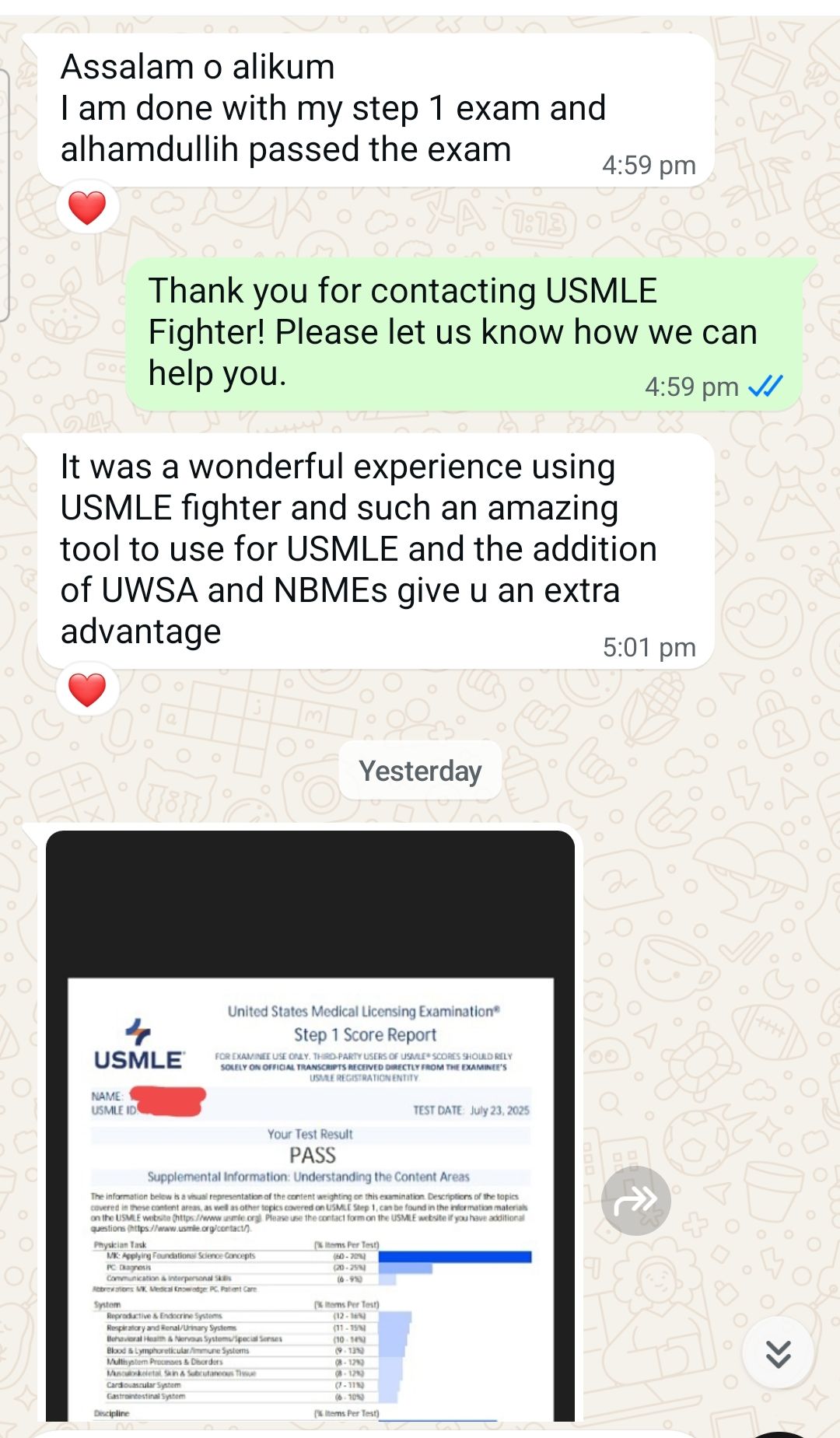
WhatsApp message and redacted Step 1 score report marked Pass.

“I passed Step 1 on my first try!”

Step 1 student
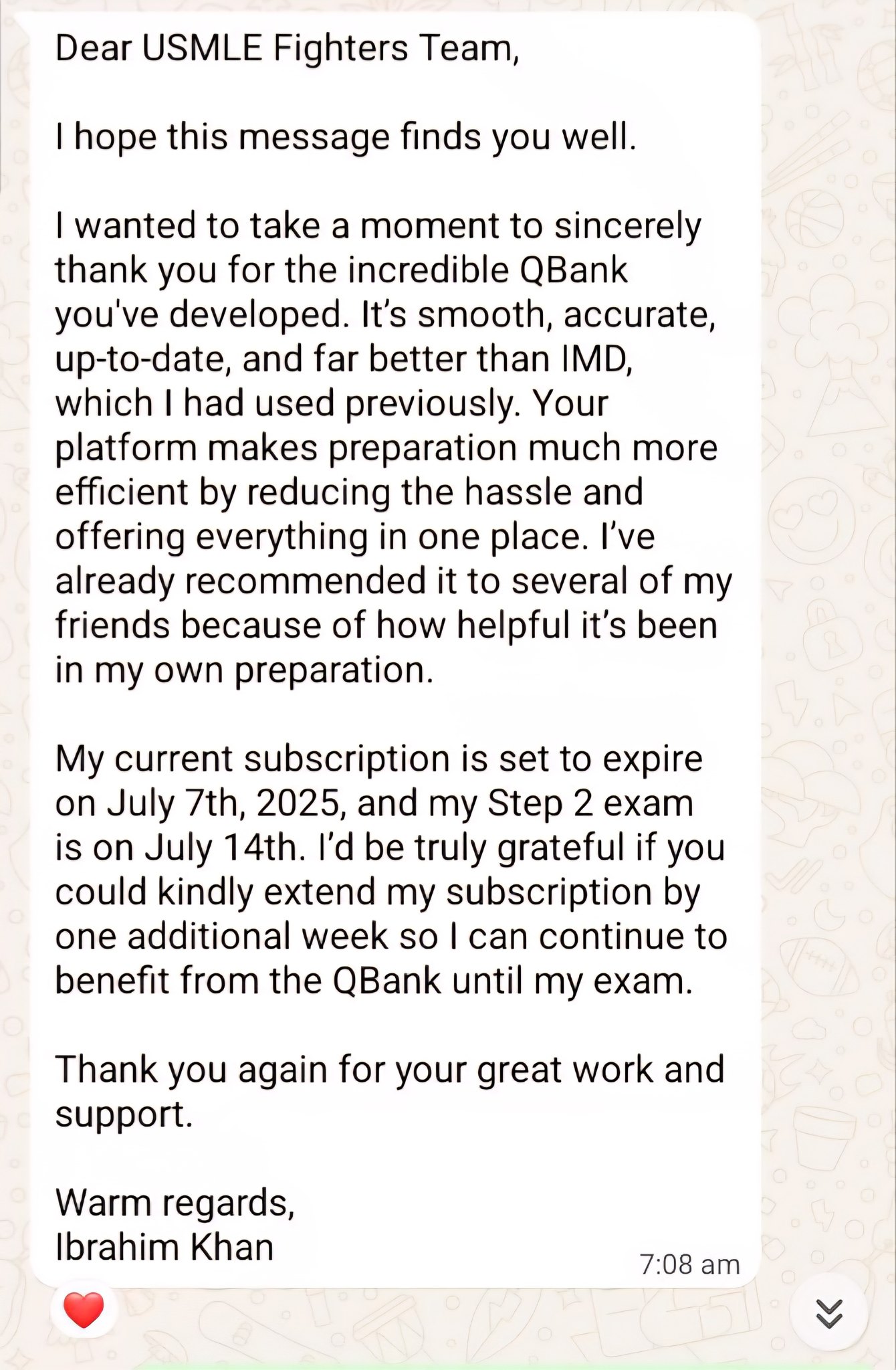
A Fighter student's WhatsApp message about preparing for Step 2 CK with the Qbank.

“Your platform makes preparation much more efficient”

Step 2 CK student

Product walkthrough

See Fighter
in action.

Common questions.

Which plan covers my exam?

Choose Step 1, Step 2 CK, or Step 3 for one question bank. Choose All three Steps to use all three question banks.

Can I try Fighter before paying?

Yes. Start with the free trial to explore the Qbank. You do not need a payment card to start.

Do the paid plans renew automatically?

Each plan is a one-time purchase for the access period shown in the table.

What is the refund policy?

You can request a full refund within 3 days of purchase. See the Refund Policy for how to submit your request.

Need help choosing?